The 77-Inch Black Screen and a Variable Called status
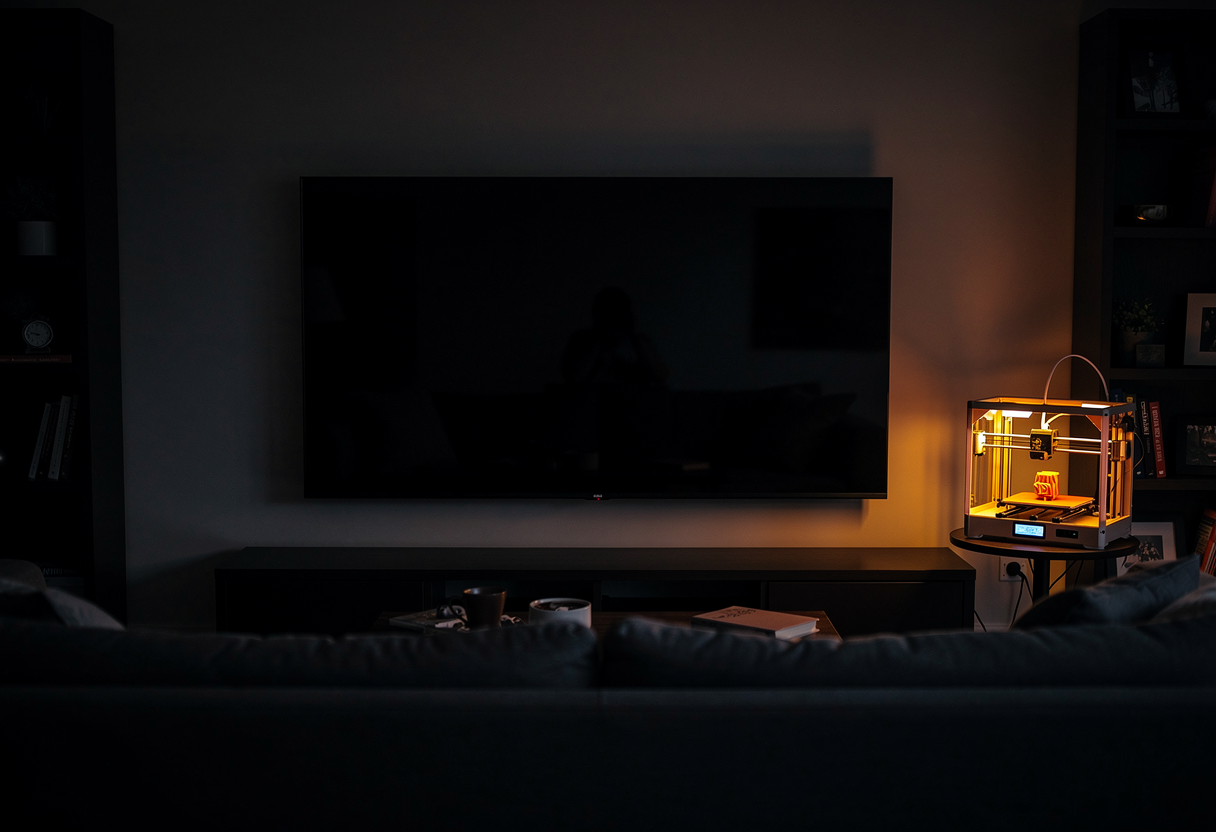
My CR6-SE has a webcam pointed at its print bed, served by OctoPrint. My living room has a 77-inch LG OLED. These two facts sat next to each other for months before the obvious thought arrived: fancy writing an app for it?
A webOS app, it turns out, is just an HTML/CSS/JS web app packaged into an .ipk. And the app itself is almost trivial — mjpg-streamer serves MJPEG (multipart/x-mixed-replace), which drops straight into an <img> tag. Full-screen the image, add a reconnect handler, done. Twenty minutes of code.
The rest of the session went on a black screen.
The network was the hard part, not the code
First obstacle, and a legitimate one: the webcam feed on my server is only exposed through nginx vhosts gated behind mutual TLS — and a sideloaded webOS app can't present a client certificate. There's no certificate store you can usefully get at; the TV is just not going to take part in mTLS.
The fix was to expose mjpg-streamer LAN-only on a fresh host port. Host 8090 rather than 8080, because 8080 was already taken by another container — a nice look-before-you-leap catch. The router only forwards 80 and 443, so a cleartext camera stream on 8090 never leaves the LAN. That went through home-infra as a proper PR and an Ansible deploy, which felt like a lot of ceremony for a printer cam, and was still the right call.
Stream URL: http://172.29.0.32:8090/?action=stream. 1280×720, 15 fps. curl confirmed frames coming out. The TV showed black.
The red-herring parade
Three perfectly plausible theories, all wrong:
- mDNS. The app was using
leia.local, and webOS's resolver support for mDNS is dubious. A real gotcha in general — I switched to the raw IP anyway — but not the bug. - A stale instance.
ares-launchwill happily re-focus a suspended copy of your app rather than cold-loading the build you just installed. Also a real gotcha — you can iterate for some time on code the TV isn't running. Also not the bug. - The cache-buster. I'd appended a query param to defeat caching, and mjpg-streamer is picky about its query string. Ruled out with
curl. Not the bug.
Each theory was reasonable. Each fix produced the same black screen. This is the debugging experience that erodes the soul: every change is an improvement, and nothing improves.
The actual bug
The app had a status overlay — "connecting…", "reconnecting…" — and the code grabbed it like this:
var status = document.getElementById('status');
In global scope, status is not a fresh variable. It is window.status — the legacy browser-statusbar property — and window.status coerces any assignment to a string. So that line silently stored "[object HTMLDivElement]". A string. .classList on it was undefined, showStatus() threw a TypeError — and because showStatus() runs before feed.src = … in startStream(), the image source was never set at all.
Every black screen, every theory, every rebuild traced back to that one line. Modern desktop browsers are increasingly forgiving about this; the older WebKit inside webOS enforces the coercion strictly. Renaming the variable to statusEl fixed the entire app.
How it was finally caught
Not by squinting at the TV, which is the important part.
webOS supports remote DevTools: ares-inspect opens an inspector endpoint, and curl http://localhost:<port>/json/list gives you the page's raw debugger websocket. From there a tiny Python script can drive the Chrome DevTools Protocol directly — Runtime.evaluate to read live state, Runtime.exceptionThrown to catch errors.
The first query read the DOM state: feedSrc: "", and the status element missing its show class — proof the script wasn't running to completion, not that the stream was broken. The second surfaced the exception verbatim: TypeError … reading 'add' at showStatus, with a line number. Decisive. No guessing, no reinstall-and-squint loop.
That's the transferable lesson. The install → launch → stare-at-the-telly cycle is slow and tells you almost nothing; one programmatic read of the actual page state replaced perhaps a dozen iterations of it. On a device where you can't easily attach a keyboard or a console, drive the debugger over the wire.
The payoff
End state: jog the printhead in OctoPrint, watch it move on 77 inches of OLED from the sofa. Objectively ridiculous. Deeply satisfying.
Four gotchas went into the project README so the next throwaway app doesn't pay for them again: the var status collision, the .local/mDNS trap, the ares-launch stale-instance behaviour, and the remote-DevTools recipe. The "throwaway" also got a single CONFIG object up top, because the same HTML is destined for the Sony Android TV in the office next — a thin WebView wrapper pointing at the same stream, which the port-8090 exposure already serves.
The cheapest-looking bug in this story was the most expensive. var status looks like nothing. It compiles, it doesn't warn, and the browser has been quietly turning your element into the string "[object HTMLDivElement]" since before your TV was smart.
Martin Harris connects cloud infrastructure to the real world. If you've ever deployed infrastructure via pull request so you could watch a nozzle wiggle from the sofa, you're in the right place.
If you find this blog useful, please consider a donation.