Alexa, Flash Blue
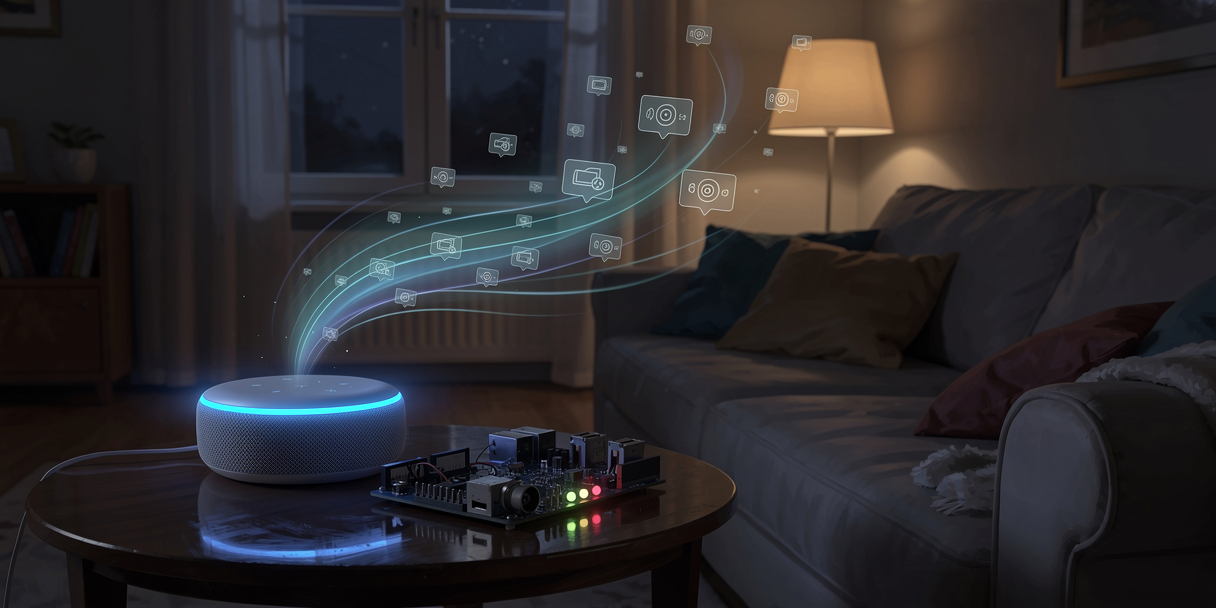
I had a house full of smart devices. Ring doorbell, Nest thermostat, Philips Hue lights, smart switches throughout. I could tell Alexa to turn off the living room lights and it just worked — instantly, reliably, from the other side of the planet if I wanted.
And I had absolutely no idea how any of it worked.
I knew there was a cloud somewhere in the middle. I knew my devices were on my home network. What I didn't know — and couldn't stop thinking about — was how Alexa actually got into my LAN to flip a switch. Opening ports on my router seemed wrong. That wasn't something I'd done. Commercial lightbulbs didn't require it. So what was the mechanism?
The only way to find out was to build one from scratch.
What I built
Three LEDs — red, green, blue — on a custom PCB, controlled by an ESP32. You tell Alexa to switch them on, off, or flash them, individually or all at once. That's the entire feature set. The point was never the LEDs; the point was understanding every layer of the stack between my voice and a pin going high.
I called it led-flasher. It's still running.
The question that drove everything
Before writing a line of code, I needed to answer the network question. Because the approach I took there would determine the entire architecture.
The naive answer — open a port, run a server on the ESP32, have Alexa call it — was immediately unappealing. It requires a static IP or dynamic DNS, it punches a hole in the router, and it's not how real devices work.
The real answer is simpler, and once you see it, you can't unsee it.
Alexa never connects to your device. Your device connects to Alexa.
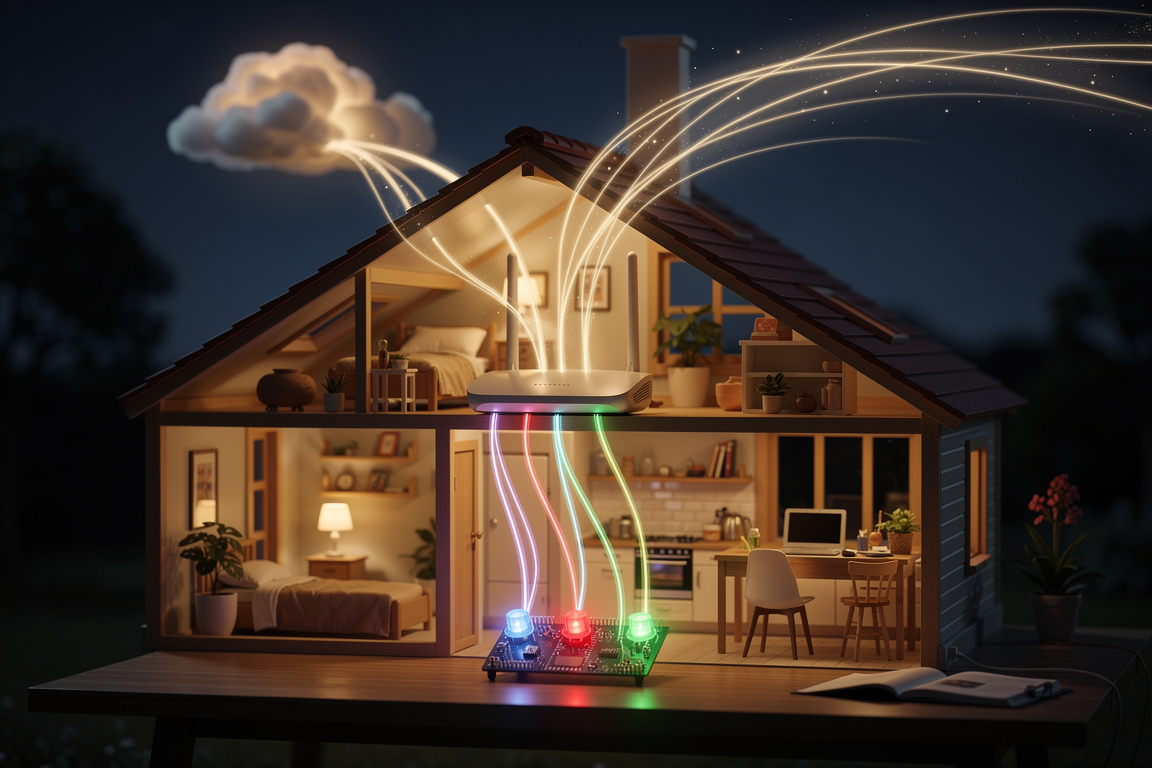
When the ESP32 starts up, it opens an outbound TLS connection to AWS IoT Core and subscribes to an MQTT topic. That connection stays open, sitting there, waiting. When you say something to Alexa, the Alexa skill invokes a Lambda function, which publishes a message to IoT Core. IoT Core delivers that message to the ESP32 via the already-open connection the device initiated.
No inbound connections. No port forwarding. No static IP. The ESP32 reaches out to the cloud and stays connected; the cloud uses that connection to push messages back. It's the same model used by every commercial IoT device — they all call home and wait. The cloud talks to them through that open channel.
Alexa → Lambda → AWS IoT Core → (existing MQTT connection) → ESP32
This was the moment the whole category of "smart device" clicked for me. The device isn't a server. It's a persistent client.
The Alexa side: Custom Skill vs everything else
Alexa has two main developer paths: Smart Home Skills and Custom Skills. A Smart Home Skill models your device as a known type — a light, a thermostat, a lock. You get a standardised interface ("Alexa, turn on the lights") and Alexa handles the intent parsing for you.
A Custom Skill is blank. You define the commands, the language model, all of it. The tradeoff: more flexibility, but Alexa's voice interface is clunkier. Instead of "Alexa, turn on the blue light", you get "Alexa, ask led flasher to turn on blue". The invocation name becomes part of every command.
I went Custom because I wanted to understand the full Alexa model, not be shielded from it. And because "flash" isn't a concept that Smart Home supports.
The skill has three intents I wrote: OnIntent, OffIntent, FlashIntent. Each takes a colour slot — red, green, blue, or "all", which is treated as a pseudo-colour that expands to all three on the ESP32 side. There are also standard Alexa intents: help, cancel, stop, fallback — these come for free with the SDK.
The Lambda handler (Python, using the Alexa Skills Kit SDK) is straightforward. It receives an intent request, reads the colour slot, and publishes a JSON message to AWS IoT Core:
def postMessage(action, led, user):
    client = boto3.client('iot-data', region_name='eu-west-2')
    client.publish(
        topic='{user}/led-flasher'.format(user=user),
        qos=0,
        payload=json.dumps({
            "action": action,
            "led": led
        })
    )
The topic is {username}/led-flasher. The username comes from the Cognito JWT — the skill requires account linking, so the topic is user-scoped. The ESP32 subscribes to a specific user's topic, so other people's skills don't control my LEDs.
The MQTT detour I should not have taken
AWS IoT Core uses MQTT over TLS, with X.509 certificates for device authentication. When I first read that, I assumed this would be complicated — generating keys, managing certificates, some arcane AWS console workflow.
So instead of finding out, I set up a local Mosquitto MQTT broker. The ESP32 code has a #define LOCAL_MQTT switch that routes to a local broker instead of AWS. I spent a fair amount of time with this before finally deciding to just try AWS IoT Core directly.
It took about twenty minutes.
You create a "Thing" in IoT Core, download three files — a certificate, a private key, and the Amazon root CA — embed them in a secrets.h file, and connect. The ESP32's WiFiClientSecure handles TLS. The MQTT library handles the rest:
net.setCACert(AWS_CERT_CA);
net.setCertificate(AWS_CERT_CRT);
net.setPrivateKey(AWS_CERT_PRIVATE);
client.begin(AWS_IOT_ENDPOINT, 8883, net);
That's it. No custom auth, no complexity. The local Mosquitto setup was entirely wasted time.
This was all pre-AI, which I mention only because it makes the forum-scrolling involved feel even more absurd in retrospect. Hours spent parsing Stack Overflow threads that turned out to be about older SDK versions. The answer was in the official docs the whole time.
The firmware
The ESP32 subscribes to the MQTT topic, parses incoming JSON messages, and drives the GPIO pins accordingly:
void messageHandler(String& topic, String& payload) {
    JsonDocument doc;
    deserializeJson(doc, payload);

    String action = doc["action"];
    String led = doc["led"];

    std::vector<String> leds;
    if (led.equals("ALL")) {
        leds = {RED, GREEN, BLUE};
    } else {
        leds = {led};
    }

    if (action.equals("FLASH")) { flash(leds); }
    if (action.equals("ON"))    { setPin(leds, HIGH, true); }
    if (action.equals("OFF"))   { setPin(leds, LOW, true); }
}
The true parameter on setPin calls for on/off commands persists the state to flash storage using the ESP32's Preferences library — so if the device reboots, it comes back with the LEDs in the correct state.
The startup sequence uses the LEDs as a progress indicator: red on while connecting to WiFi, green flashing during the WiFi handshake, blue flashing while connecting to MQTT, then all three on briefly before going dark. When the connection is established, the device runs a red-green-blue chase three times, then restores the persisted LED states. No serial monitor needed to know what it's doing.
The hardware
The LEDs are on a custom PCB. I was new to PCB design at the time — hadn't discovered Fritzing yet — so I used a different tool I won't name. It worked, eventually.
The board was manufactured by JLCPCB. If you haven't ordered custom PCBs, the prices are genuinely shocking — a handful of boards for a few pounds including shipping. I put a portrait of Chi (one of my cats) on the silkscreen, because why not. JLCPCB printed it faithfully.
The case is 3D printed. Source is in OnShape; the STL files are in the repo. There are three LED spacers at slightly different heights to account for the PCB layout, plus a lid. The assembly takes about twenty minutes.
Publishing the skill
A Custom Alexa Skill doesn't have to be published publicly — you can keep it in development mode and it works fine on your own account. But I went through the publication process anyway, because I wanted to understand what it involved.
It involved more than I expected. Privacy policy. Terms of service. Category selection. Testing notes for the Alexa certification team. A description that doesn't violate half a dozen content policies. None of this is technically hard, but there's no checklist — you submit, it gets reviewed, it comes back with a comment, you fix it, you resubmit. I went through this cycle a few times before it was accepted.
Cognito for account linking was, by contrast, easier than expected. I'd used Cognito before, which helped — but even starting from scratch, AWS's own blog post on the topic is good enough to follow without too much pain. The Alexa console has a specific account linking section that takes an OAuth 2.0 authorisation endpoint and client ID; Cognito provides both.
The payoff
The moment the skill went live, I said "Alexa, ask led flasher to flash blue." The blue LED flashed. Five times, 200 milliseconds on, 200 milliseconds off, exactly as specified.
My voice had travelled from my mouth to Amazon's servers, through a Lambda function I wrote, into AWS IoT Core, down an MQTT connection I configured, to a microcontroller I programmed, across a GPIO pin, through a resistor, and into an LED I soldered to a PCB with my cat's face on it. Every step was something I could point to and explain.
I had soldered that LED to the cloud.
That sounds like a strange thing to say. But the result was sitting on my desk — a board I could pick up, a component I could touch. The infrastructure behind it was something I understood end to end, but it would never be more than icons on a screen. The cloud stopped being abstract the moment it had a physical consequence I could hold in my hand.
Martin Harris writes about connecting real hardware to abstract cloud infrastructure. If you've ever soldered something to an API Gateway, you're in the right place.
If you find this blog useful, please consider a donation.